

Getreidebestände weisen bereits im Herbst Unterschiede von bis zu 30 kg N/ha auf. Je frühzeitiger man auf diese mit der Düngung reagieren kann, desto größer ist die Chance, Bestände an ihr Optimum zu führen. Der Scan bietet gegenüber der Onlinedüngung zu N1 den Vorteil, die Bestandesentwicklung ohne die Verfälschung durch Winterschädigungen (Vergilbung, Staunässe, Schneeschimmel…) darzustellen. Geeignet sind Wintergerste, Frühsaaten im Weizen, Winterroggen und Triticale
-
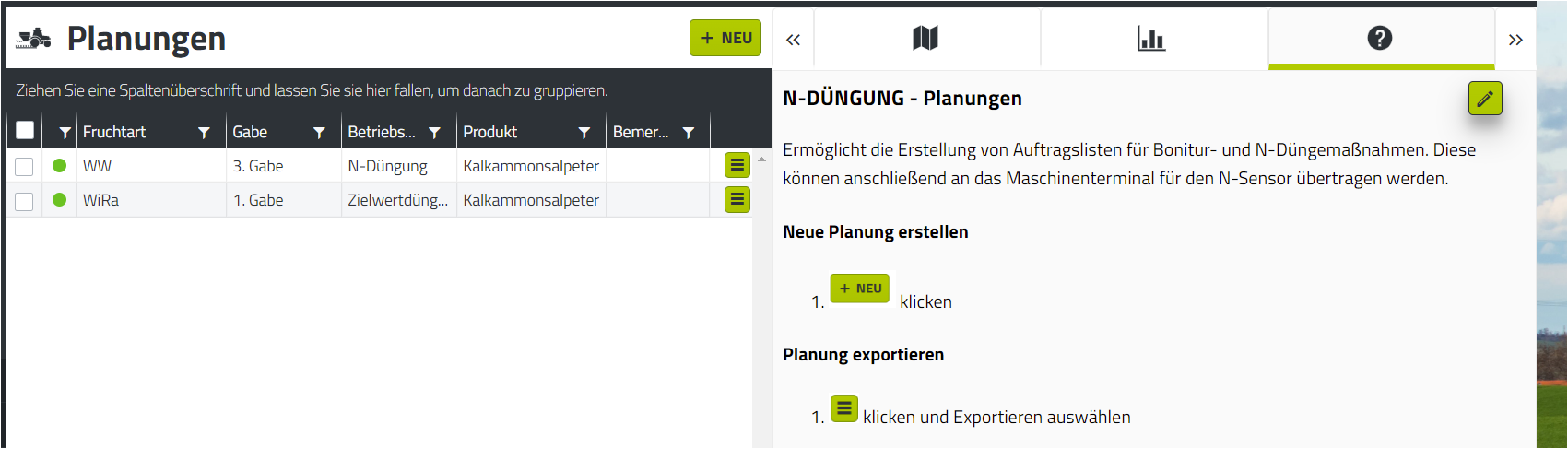
Erstellen Sie in agriPORT unter "N-Düngung/Planungen" eine Liste mit den gewünschten Schlägen. Füllen Sie die Daten der Agronomischen Kalibrierung nach Bedarf aus.
-
Exportieren Sie die Liste per email oder USB-Stick.
Eine Anleitung zur Erstellung von Planungen sowie dem Export finden Sie in der Hilfefunktion direkt in agriPORT.
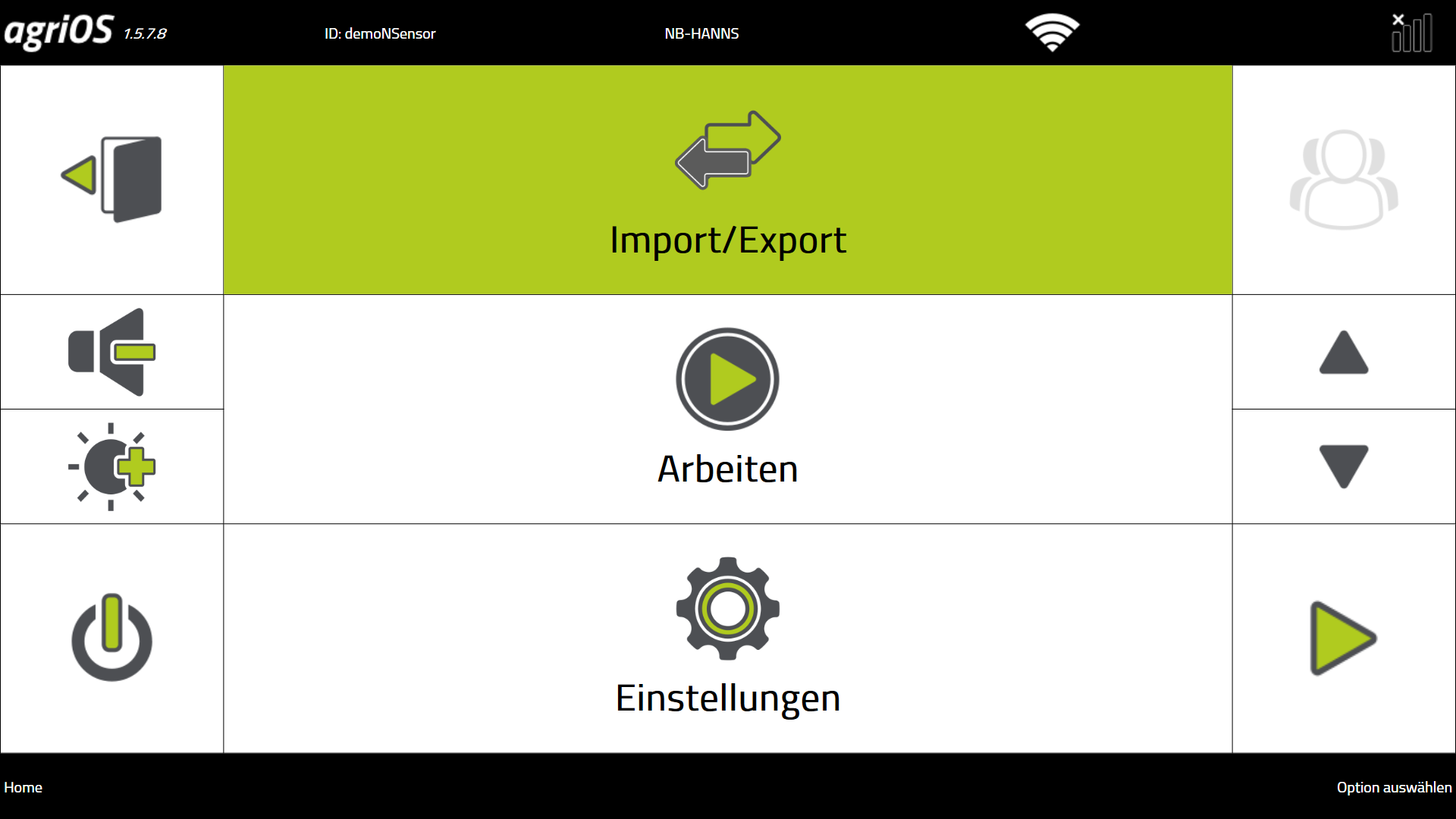
3. Importieren Sie die Auftragsliste auf dem Terminal in agriOS über "Import/Export".
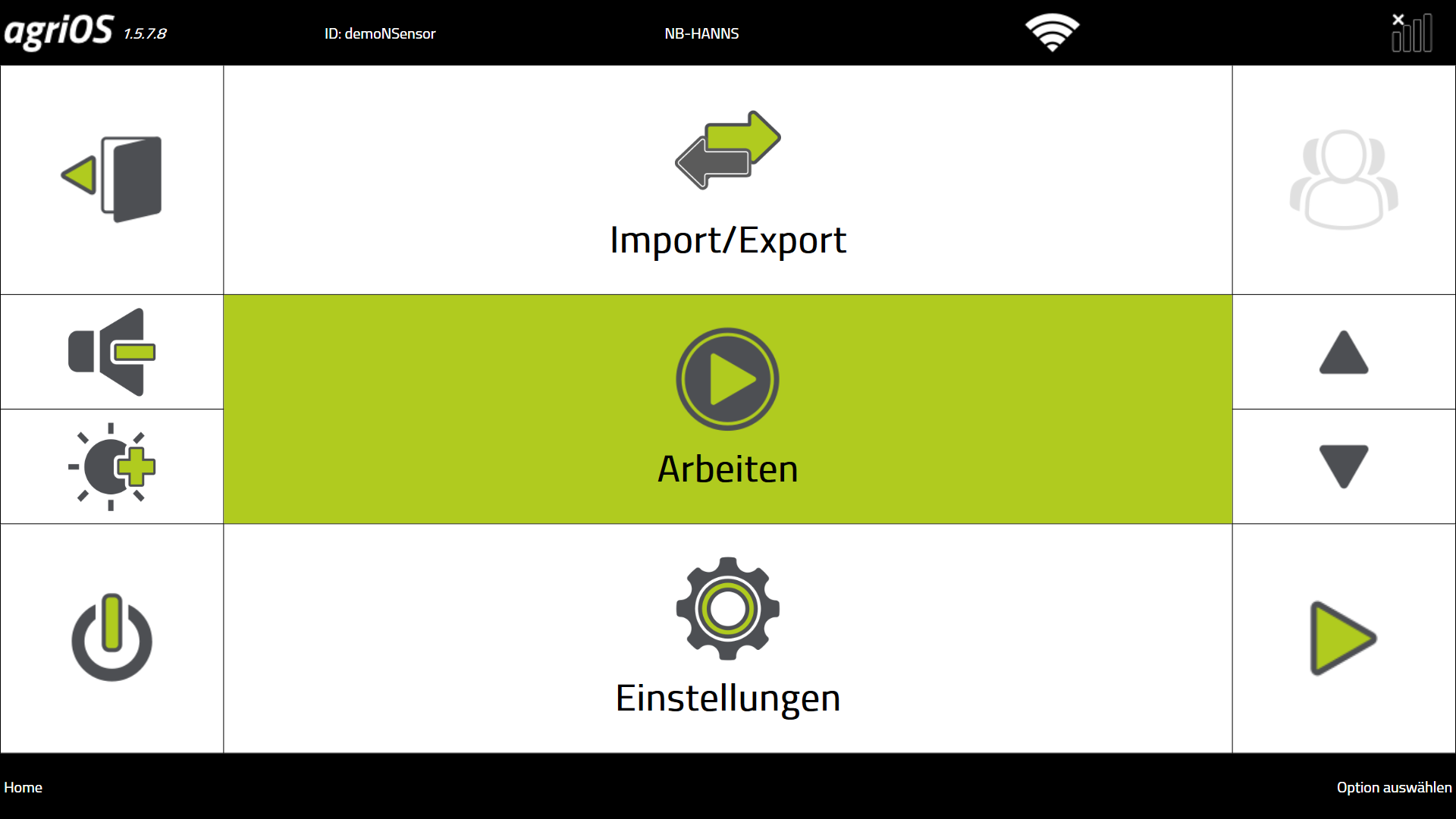
4. Starten Sie die PF Box über "Arbeiten".
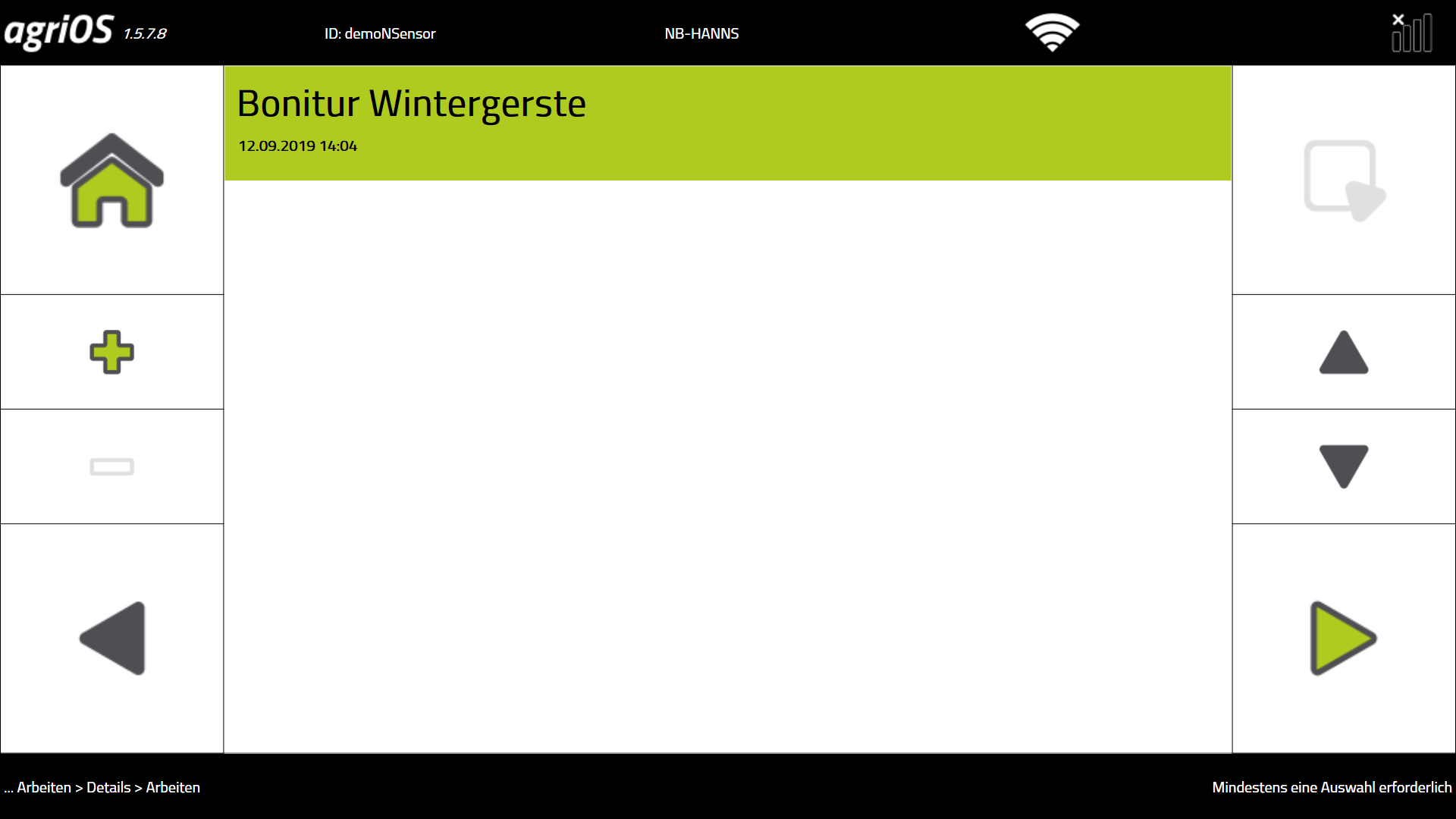
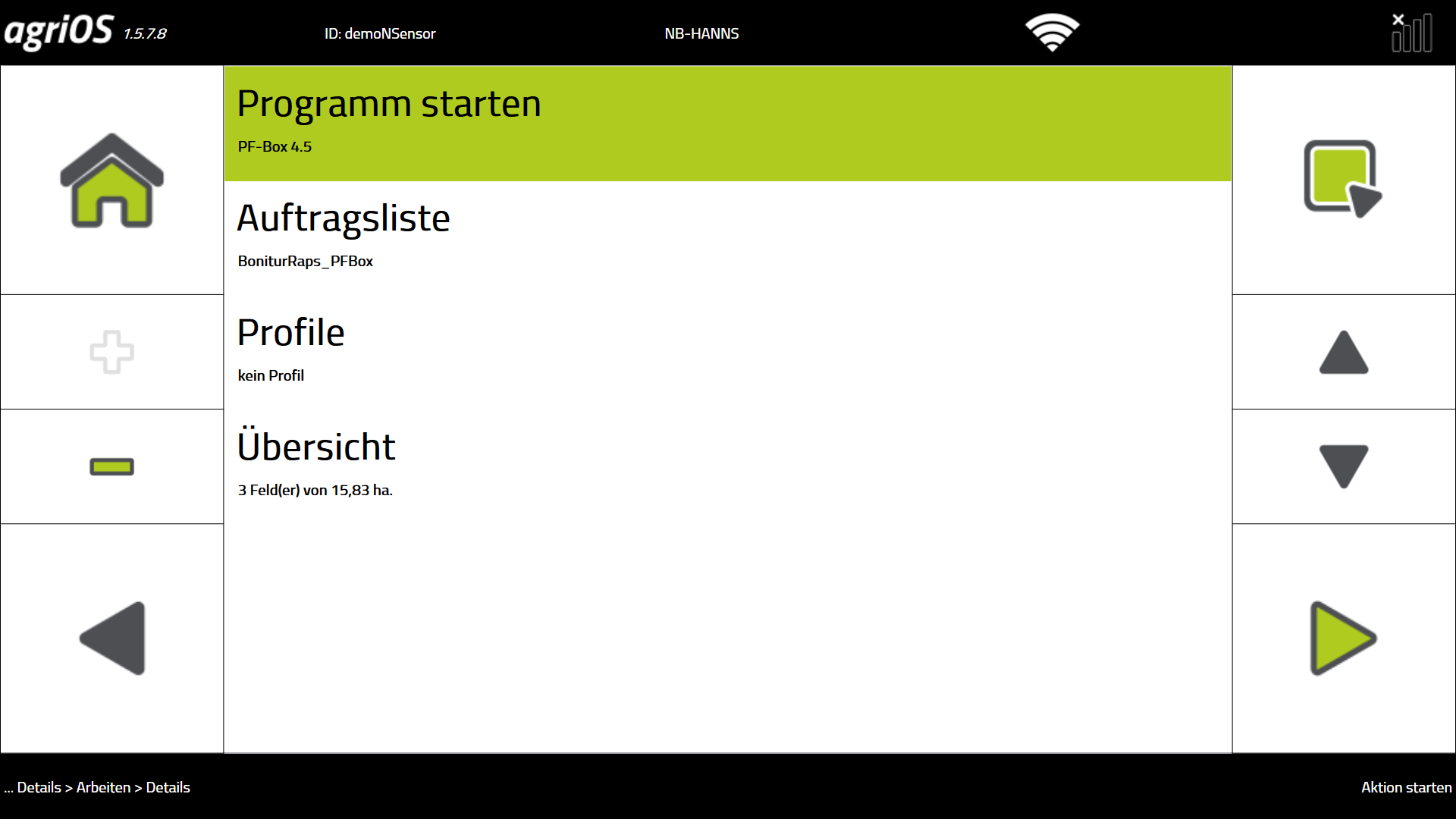
Bitte beachten Sie: Die Planung von Aufträgen ist nur für die PF Box-Version 4.5 und höher möglich. Ältere Versionen werden nicht mehr unterstützt. Wir empfehlen Ihnen bei diesen Versionen, die Aufträge auf dem Terminal anzulegen.
Der Import von erzeugten Logdateien aus älteren PF Box-Versionen in agriPORT ist dagegen weiterhin möglich.
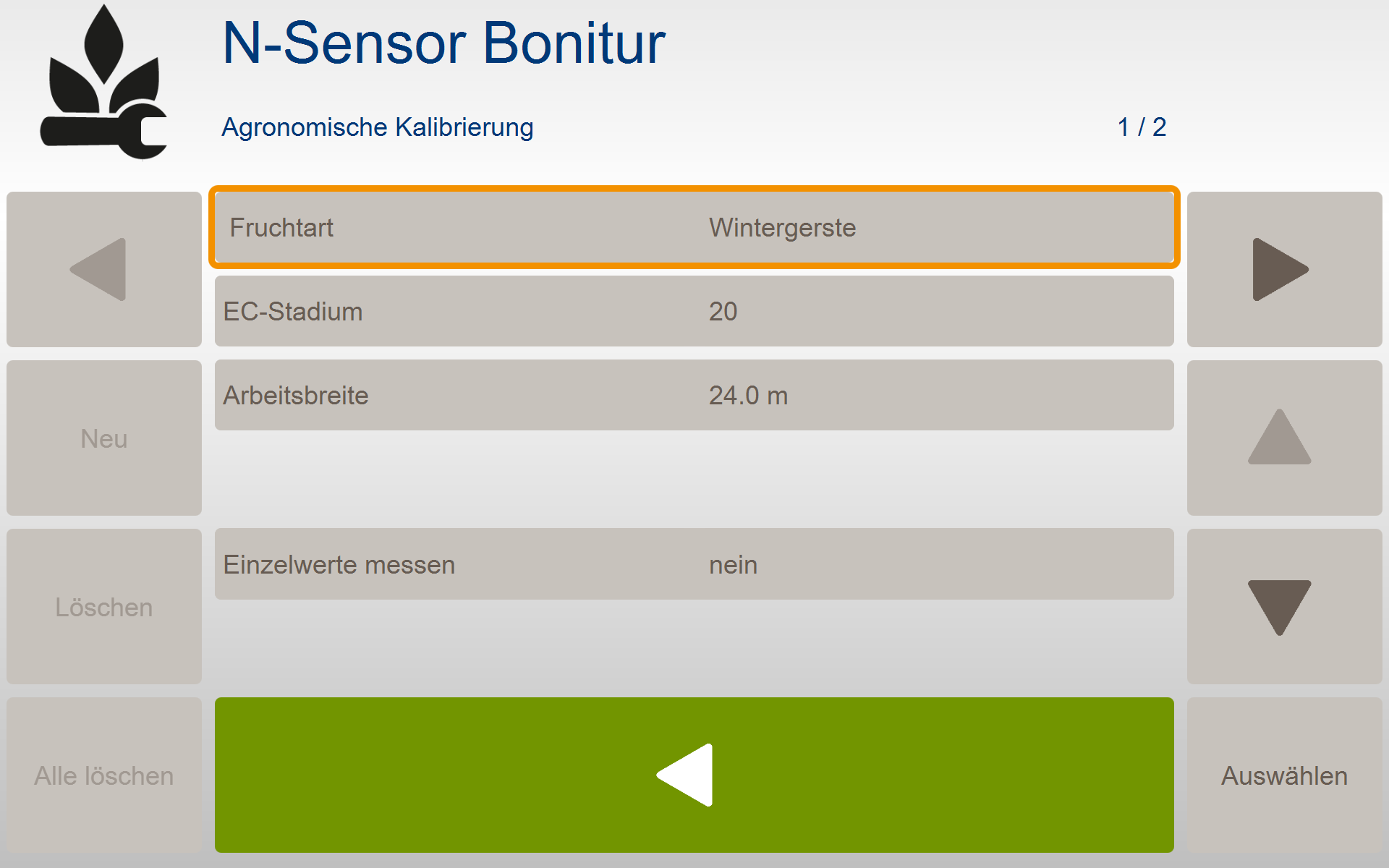
Bei Eingabe der Agronomischen Kalibrierung auf dem Bedienterminal führen Sie bitte für jeden Auftrag die folgenden Schritte durch:
N-Sensor Bonitur (SW 4.5)
-
Vorgabe von Fruchtart und EC-Stadium
-
Achtung Getreide: EC max: 29
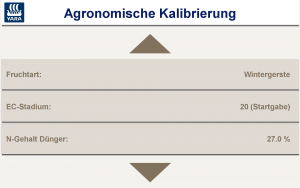
N-Düngung (SW 3.xx)
-
Vorgabe von Fruchtart und EC-Stadium
-
Achtung Getreide: EC max: 29
-
keine weiteren Einstellungen in der Agronomischen Kalibrierung nötig
-
wichtiger Hinweis: stellen Sie zum Scannen den Streuercontroller auf "Display"
-
Menü Einstellung - Menü System - Menü Ausbringgerät - Controller Typ Display
Nach Abschluss des Scans senden Sie die Daten an agriPORT
Grain stocks already show differences of up to 30 kg N / ha in autumn. The earlier you can react to this with fertilization, the greater the chance that stocks will be brought to their optimum. Compared to online fertilization for N1, the scan offers the advantage of showing the development of the crop without being falsified by winter damage (yellowing, waterlogging, snow mold ...). Winter barley, early sowing in wheat, winter rye and triticale are suitable
-
In agriPORT's "Order Management", create a list of the fields you want.
-
Export the list by email or USB stick.
3. Import the job list on the terminal in agriOS via "Import / Export".
4. Start the PF Box via "Work".
Please note the differences regarding the transfer of order-specific data between the different software versions of the PF-Box!
PF-Box 3: If the "Job-specific calibration" is activated in the settings, the software module stored in the job list (note, rating in the PF-Box 3 is not available, therefore always select N fertilization in agriPORT) and the data of the agronomic calibration in the job accepted.
PF-Box 4: The orders stored in the order list are displayed. There is NONE transfer of data from the agronomic calibration. The entry MUST be done on the terminal.
PF-Box 4.5: the software automatically starts the software module stored in the order list and takes over the data of the agronomic calibration in the order.
When entering the agronomic calibration on the operator terminal, please carry out the following steps for each order:
N-Sensor Scanning (SW 4.5)
-
Specification of fruit type and EC stage
-
Attention grain: EC max: 29
N-Application (SW 3.xx)
-
Specification of fruit type and EC stage
-
Attention grain: EC max: 29
-
no further settings in agronomic calibration necessary
-
important NOTE: set the spreader controller to "Display" for scanning
-
menusettings - menusystem - menuSpreading device - Controller Type Display
After completing the scan, send the data to agriPORT