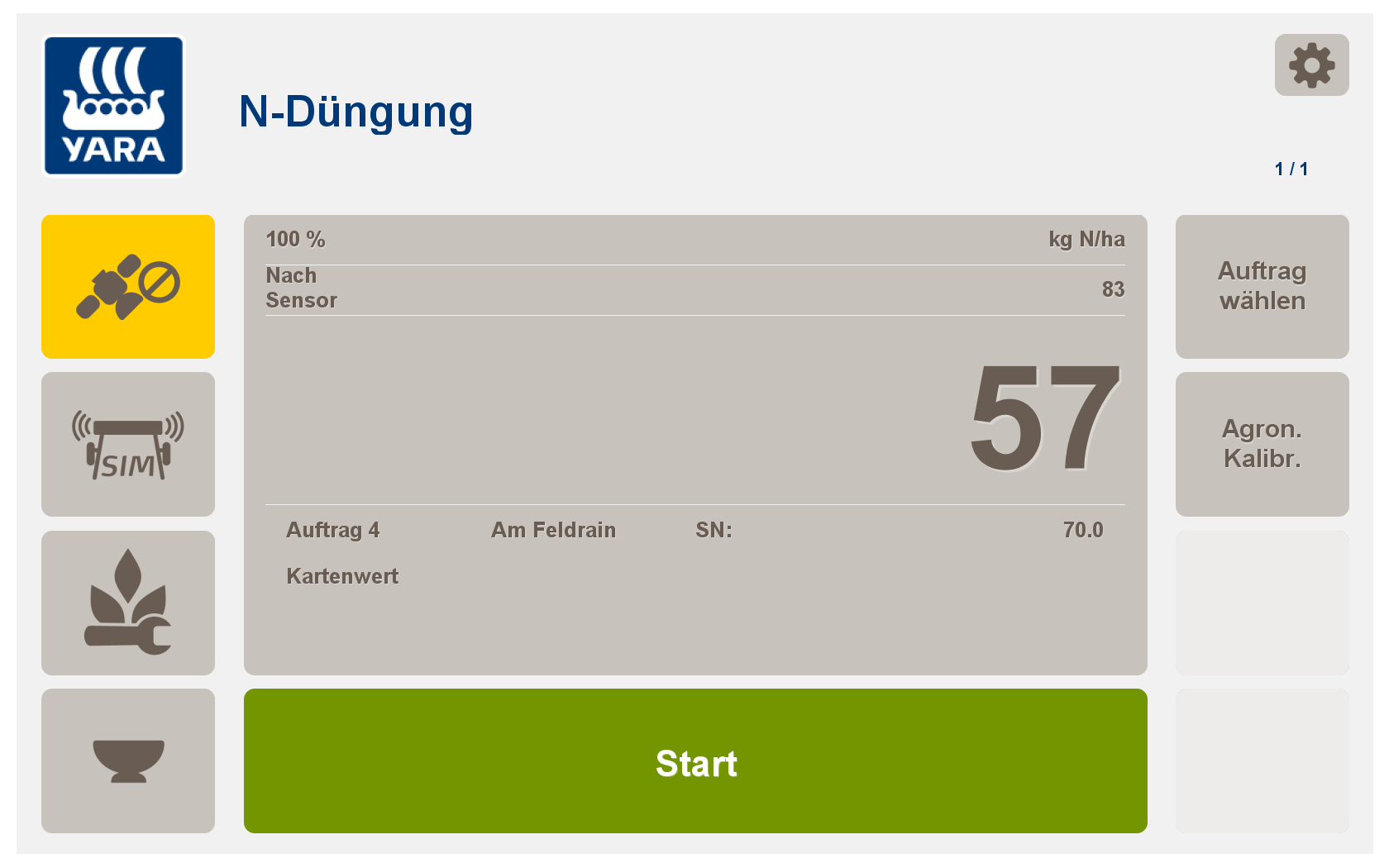
Die 1. N-Gabe in Raps erfolgt Online nach Regelfunktion der N-Sensorsoftware PF Box. Ein vorheriger Herbstscan und die Berechnung einer Streukarte sind nicht notwendig.
Ihnen stehen die Softwaremodule
-
Absolute N-Düngung Raps (absolute Kalibrierung ohne Kalibrierfahrt)
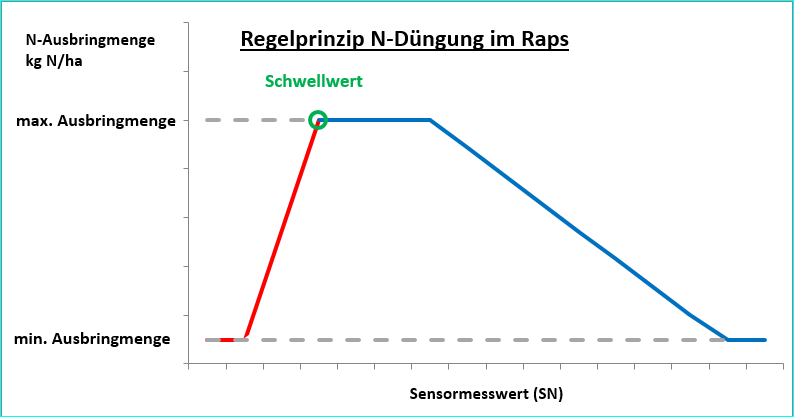
zur Verfügung. Die Düngung sollte nach Vegetationsbeginn erfolgen. In Raps wird immer eine ertragsbetonte Regelfunktion angewendet: Bestände mit niedriger N-Aufnahme erhalten eine höhere N-Menge und umgekehrt.
-
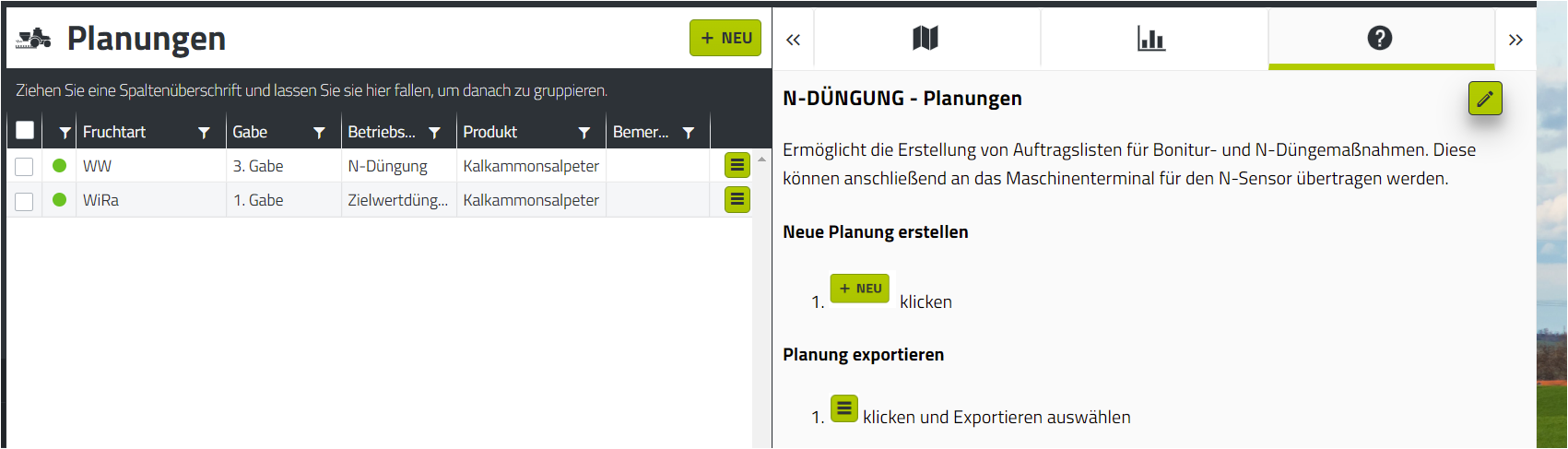
Erstellen Sie in agriPORT unter "N-Düngung/Planungen" eine Liste mit den gewünschten Schlägen. Füllen Sie die Daten der Agronomischen Kalibrierung nach Bedarf aus.
-
Exportieren Sie die Liste per email oder USB-Stick.
Eine Anleitung zur Erstellung von Planungen sowie dem Export finden Sie in der Hilfefunktion direkt in agriPORT.
3. Importieren Sie die Auftragsliste auf dem Terminal in agriOS über "Import/Export".
4. Starten Sie die PF Box über "Arbeiten".
(weitere Informationen zur Verwendung der PF-Box-Versionen siehe "Herbstscan Raps")
a/ Softwaremodul Absolute N-Düngung
-
Führen Sie die die Agronomische Kalibrierung durch
-
Vorgabe von Fruchtart, EC-Stadium, Abgestorbene Biomasse (Durchschnitt des Feldes bis max. 40%), N-Gehalt, Min. Rate, Max. Rate, konstant
-
eine "Kalibrierung am Feld" ist nicht notwendig, das System düngt, unabhängig vom Ertrag, auf den Sollwert von 160 kg N/ha auf (N-Aufnahme plus N-Düngung)
Damit ist die Kalibrierung abgeschlossen.
|
|
 Durchschnittliche N-Düngermenge im Voraus nicht festzulegen Da die N-Düngung an der aktuellen N-Aufnahme des Bestandes ausgerichtet wird steht im Voraus nicht fest, wieviel N im Durchschnitt appliziert wird. Dies kann dazu führen, dass die erlaubte N-Düngungsmenge nach DVO überschritten wird!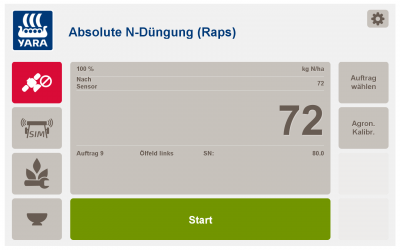
The first N dose in rapeseed is carried out online according to the control function of the N sensor software PF Box. A previous autumn scan and the calculation of a scatter map are not necessary.
The software modules are available to you
-
N fertilization (relative calibration according to lane)
-
Target Rate Application (relative calibration, but without calibration run)
-
Absolute N fertilization rapeseed (absolute calibration without calibration run)
Fertilization should take place after the start of vegetation. In oilseed rape, a regular control function is always used: crops with a low N intake receive a higher N amount and vice versa.
-
In agriPORT's "Order Management", create a list of the fields you want.
-
Export the list by email or USB stick.
3. Import the job list on the terminal in agriOS via "Import / Export".
4. Start the PF Box via "Work".
(For more information on using the PF-Box versions, see "Autumn scan rapeseed")
When entering the agronomic calibration on the operator terminal, please carry out the following steps for each order:
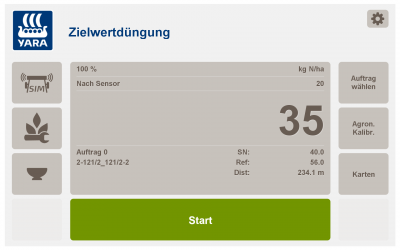
a / Software module target fertilization
-
Carry out the agronomic calibration .
-
Specification of crop type, EC stage, N content, min. Rate, max. Rate, reference (average amount of N to be fertilized = "target value")
-
Specification of biomass threshold
-
The calibration is now complete.
A "calibration on the field" is not carried out. Instead, you can start fertilizing immediately. During the application, the N sensor recalibrates itself continuously and calculates an average N uptake. This is then assigned the reference quantity (the "target value").
|
|
|
|
b / Software module Absolute N fertilization
-
Carry out the agronomic calibration.
-
Specification of crop type, EC stage, dead biomass (average of the field up to max. 40%), N content, min. Rate, max. Rate, constant
-
"Calibration on the field" is not necessary, the system fertilizes irrespective of the yield to the setpoint of 160 kg N / ha (N uptake plus N fertilization)
The calibration is now complete.
|
|
The first N dose in rapeseed is carried out online according to the control function of the N sensor software PF Box. A previous autumn scan and the calculation of a scatter map are not necessary.
The software modules are available to you
-
N fertilization (relative calibration according to lane)
-
Target Rate Application (relative calibration, but without calibration run)
-
Absolute N fertilization rapeseed (absolute calibration without calibration run)
Fertilization should take place after the start of vegetation. In oilseed rape, a regular control function is always used: crops with a low N intake receive a higher N amount and vice versa.
c / software module N fertilization
-
Carry out the agronomic calibration .
-
Specification of fruit type, EC stage, N content, min. Rate, max. Rate, constant
-
Start the "field calibration" and scan 1-2 tramlines. Press Stop and enter the desired average amount of N fertilizer.
The calibration is now complete.