

Bei vorbereiteten Aufträgen aus agriPORT ist eine weitere Bearbeitung der Aufträge in der Agron. Kalibr. nicht möglich aber auch nicht notwendig. Nach Auswahl des Auftrages können Sie sofort mit der Applikation beginnen.
Drücken Sie Start, um mit der Applikation zu beginnen, Stopp, um diese zu unterbrechen oder zu beenden.
.png?cb=692d6e83eb1556d1eb08708dde364d79)
.png?cb=c98309cc2a85a2eb3bca8f6b02d3e429)
Nach Abschluss der Applikation können Sie die Daten an agriPORT per email oder USB-Stick versenden. Sie erhalten dann:
-
eine Karte der aktuellen N-Aufnahme der Überfahrt
-
eine Karte der Applikationsmenge des zuerst gewählten PSM
-
eine Tabelle mit den durchschnittlichen Aufwandmengen aller in der agronomischen Kalibrierung eingetragenen PSM
-
einen Ausdruck mit Angaben zu Min- und Max-Aufwandmengen aller in der agronomischen Kalibrierung eingetragenen PSM
-
Press "Agron. Calibr." and go to page 2.
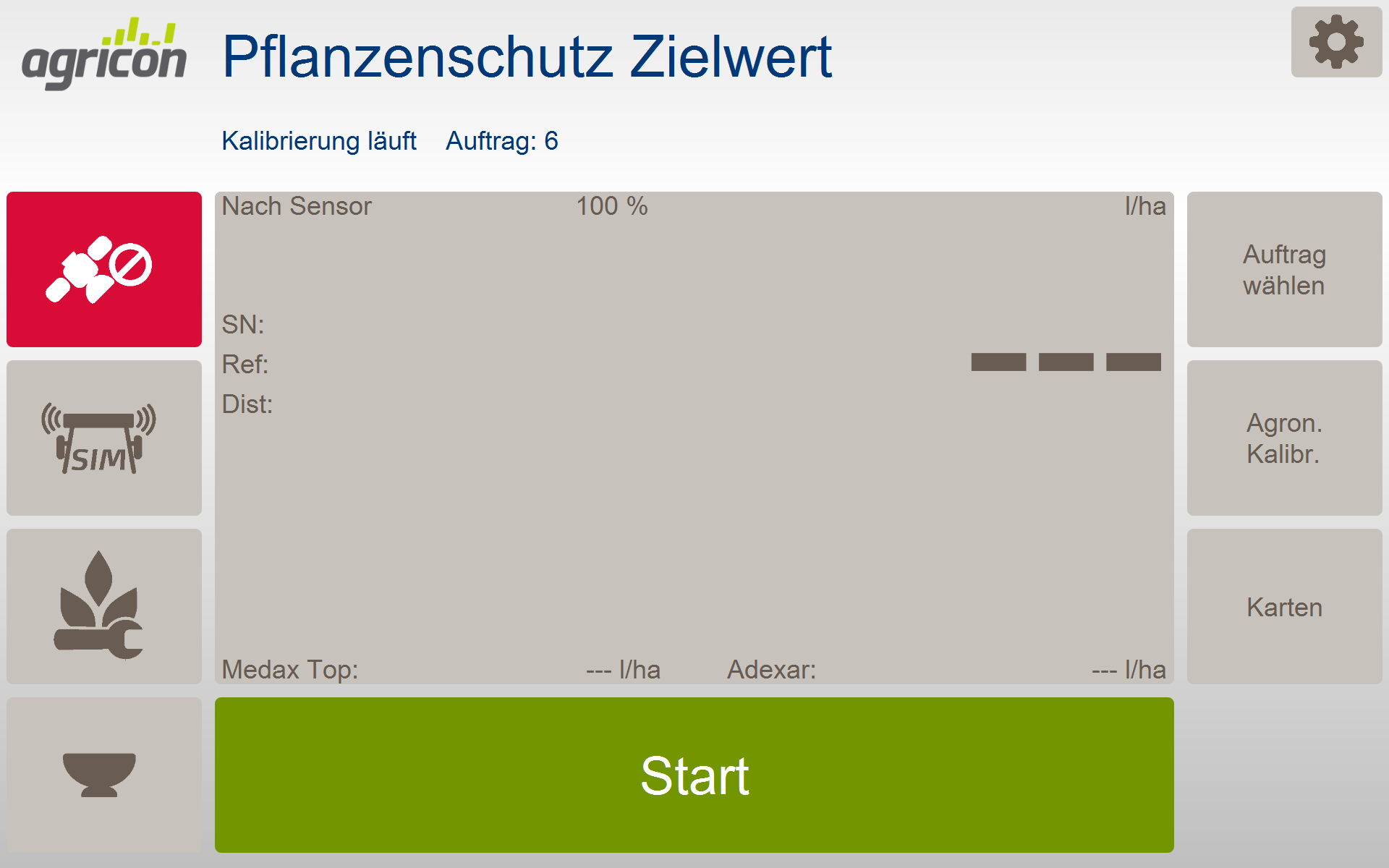
-
Press "Start calibration". The software automatically jumps to the work menu.
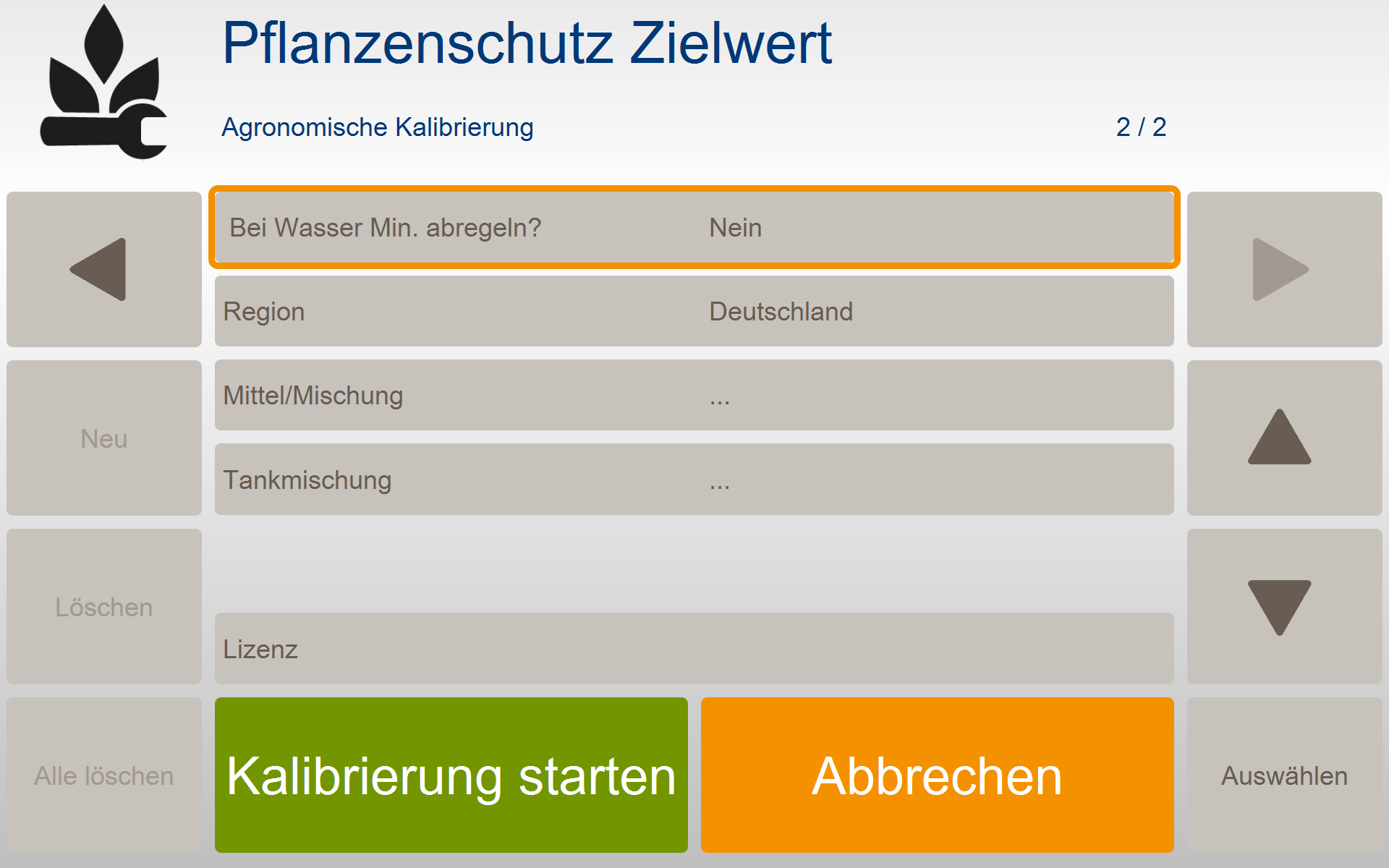
-
Press "Start" to start the application, Stop to interrupt or end it.
.png?cb=f9f98c4b9330624d6e812b2153803f26)

After completing the application, you can send the data to agriPORT by email or USB stick. You will then receive:
-
a map of the current N image of the crossing
-
a map of the recommended application rate first selected PSM
-
a table with the average application rates of all PSM entered in the agronomic calibration
-
a printout with details of min and max application rates of all PSM entered in the agronomic calibration