

Die N-Düngung erfolgt konstant. Sie kann unter Verwendung des N-Sensors und dem Softwaremodul N-Düngung aufgezeichnet werden.
Vorteile:
-
Sie können die Applikationsmengen bereits in agriPORT vorplanen
-
Sie erzeugen eine log-Datei, welche eine automatische Dokumentation der N-Menge in agriPORT ermöglicht
-
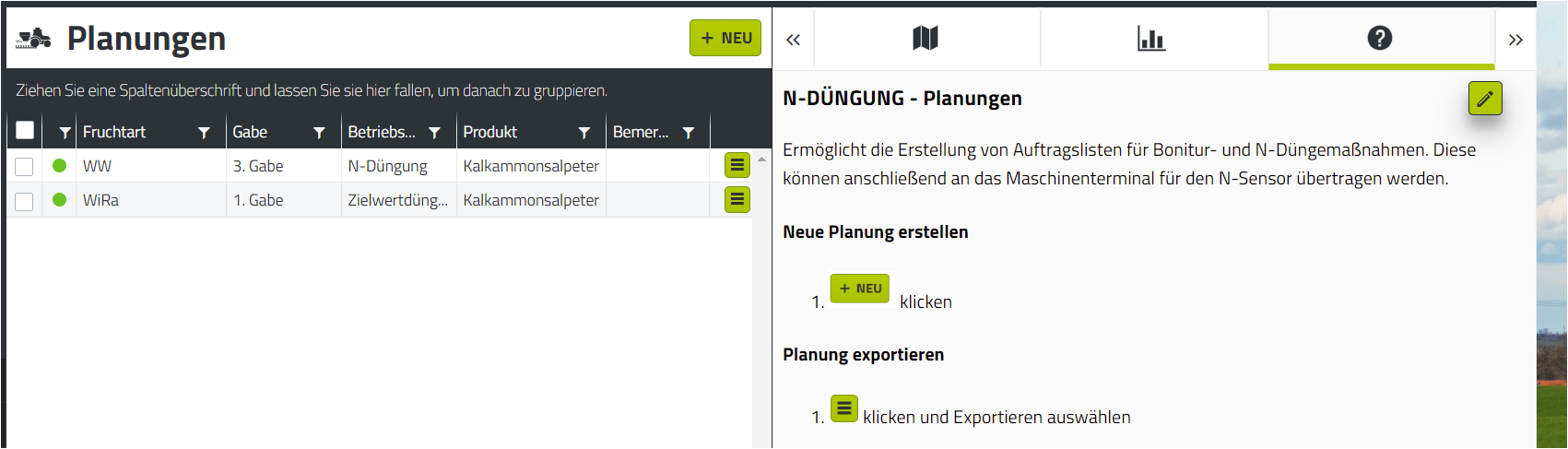
Erstellen Sie in agriPORT unter "N-Düngung/Planungen" eine Liste mit den gewünschten Schlägen. Füllen Sie die Daten der Agronomischen Kalibrierung nach Bedarf aus.
-
Exportieren Sie die Liste per email oder USB-Stick.
Eine Anleitung zur Erstellung von Planungen sowie dem Export finden Sie in der Hilfefunktion direkt in agriPORT.
3. Importieren Sie die Auftragsliste auf dem Terminal in agriOS über "Import/Export".
4. Starten Sie die PF Box über "Arbeiten".
-
Vorgabe von Fruchtart, EC-Stadium N-Gehalt und konstanter N-Menge.
-
Weitere Eingaben sowie die Kalibrierung am Feld sind nicht notwendig.
-
Drücken Sie anschließend auf "Start"
-
Stellen Sie die Applikation auf konstante N-Düngung (oben rechts auf "konstant" drücken), der Bildschirm ändert sich, wie in Bild 2 zu sehen
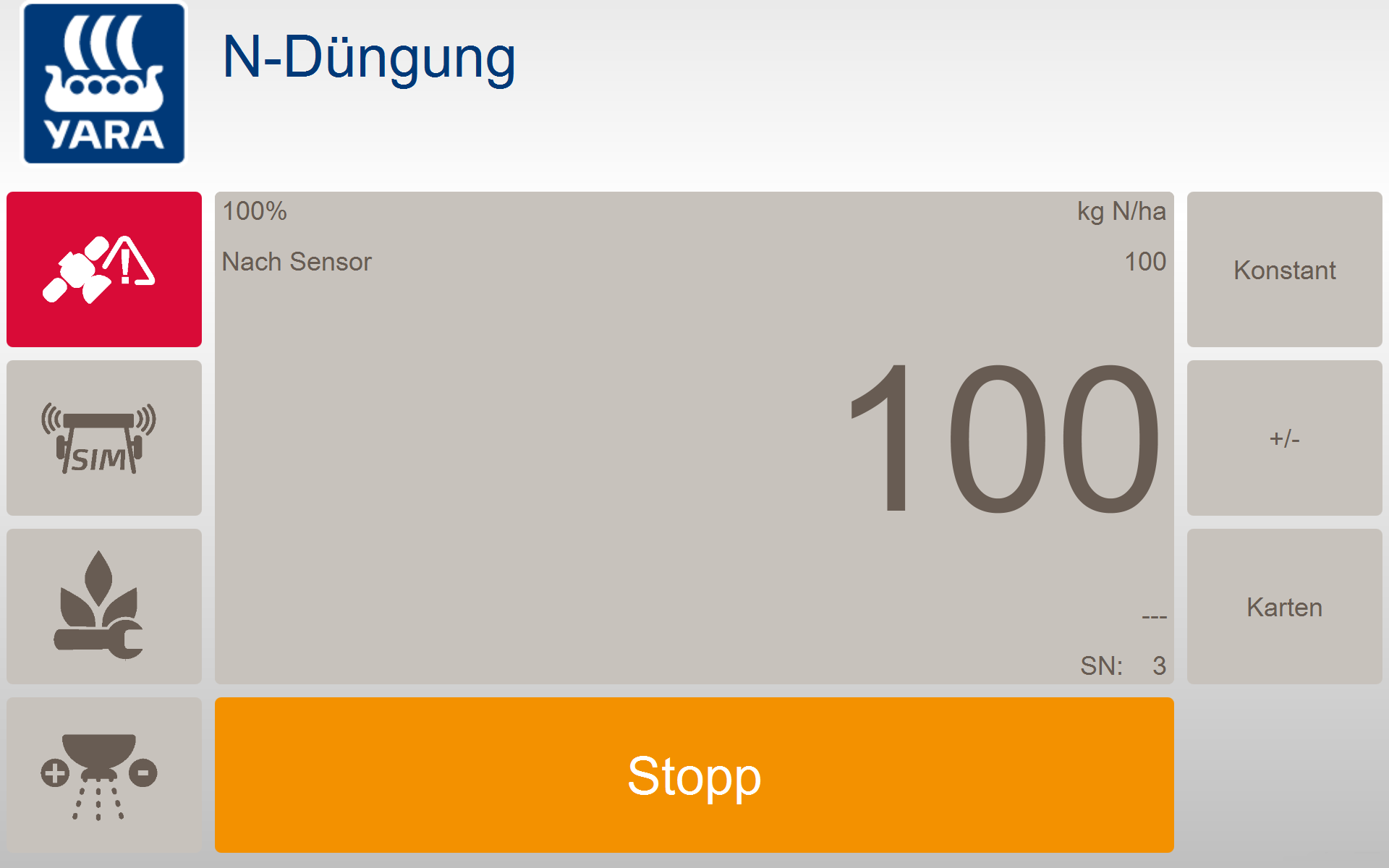
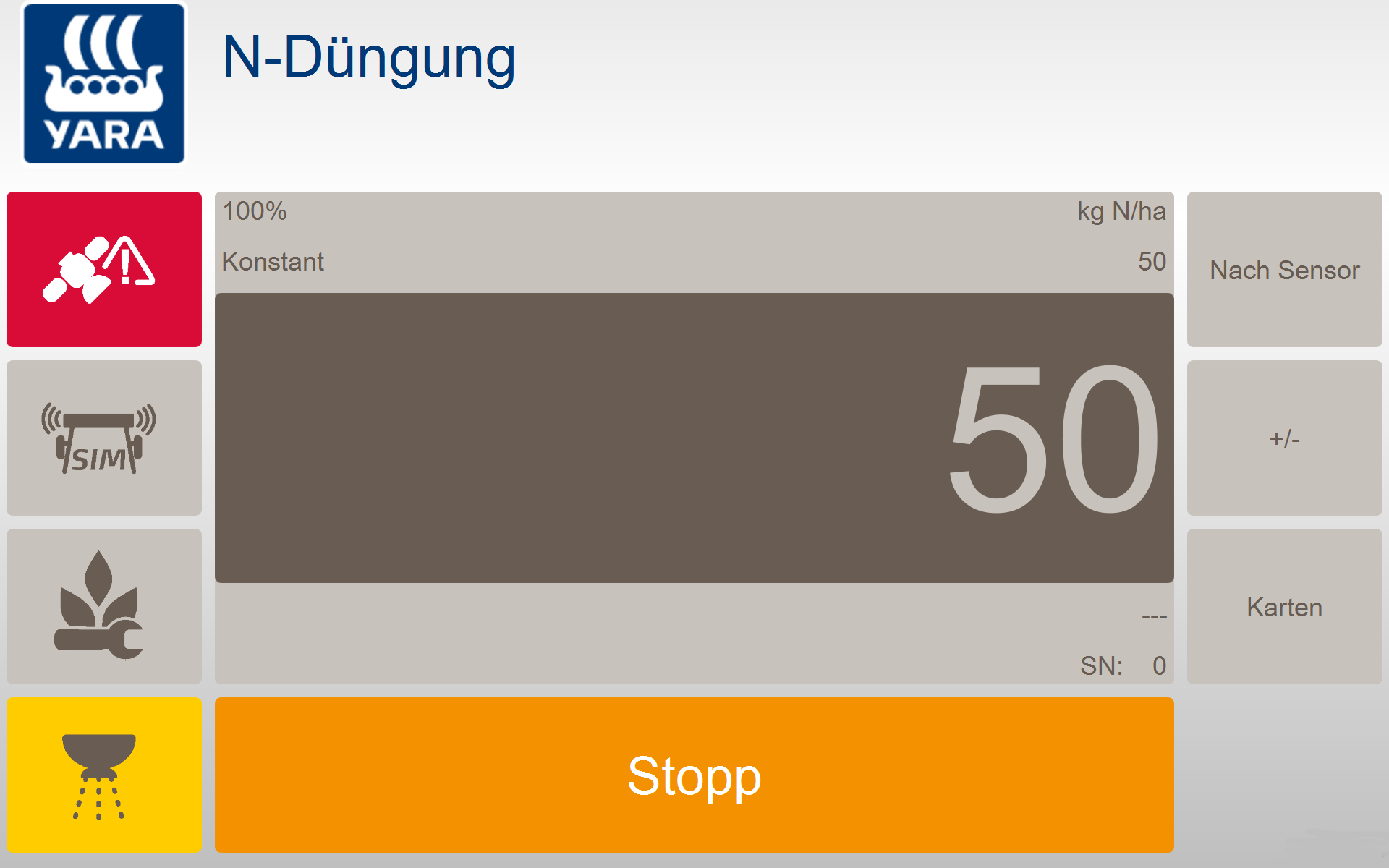
Das Streuersymbol unten links blinkt gelb, im Arbeitsfenster steht als Applikationsart "konstant"
Gesamt N-Menge Dünger teilen in zwei N-Gaben. Dabei werden zur 1. N-Gabe 50% bis max. 60% der geplanten N-Gesamtmenge appliziert.
-
N fertilization is constant. It can be recorded using the N sensor and the N fertilization software module.
benefits:
-
You can already plan the application quantities in agriPORT
-
You create a log file that enables automatic documentation of the N quantity in agriP
-
In the agriPORT application tool, create a list of all the crops to be fertilized for one crop.
-
Export the list by email or USB stick.
3. Import the job list on the terminal in agriOS via "Import / Export".
4. Start the PF Box via "Work".
-
Specification of fruit type, EC stage N content and constant N amount.
-
Further entries and calibration on the field are not necessary.
-
Then press "Start"
-
Stellen Sie die Applikation auf konstante N-Düngung (oben rechts auf "konstant" drücken), der Bildschirm ändert sich, wie in Bild 2 zu sehen
The spreader symbol at the bottom left flashes yellow, the application type shows "constant""

-